A real US smart home at dusk with warm lights on

SmartHomeTechHQ • Plain-English US Edition

Smart Home Tech, Made Simple.

A renter-friendly smart home guide in plain English: smart home devices for beginners, with no wiring and no subscription. Start your smart home without a hub, plan it with our free budget calculator and beginner layout planner — no tech jargon, no vendor sponsorships.

19Beginner guides live
6Topics, from lighting to security
$189/yrAverage standby power waste
100% freeGuides & calculators
Scroll

Real US Smart Home Layout

Touch a pin. See the device, read the guide.

Plan your beginner smart home layout room by room — every pin links to a plain-English guide that shows the real cost, the hub (if any) and whether it works with no monthly fees.

Tap any glowing pin on these real home photos to see what the device does and which beginner guide explains it — no jargon, just what you need before you buy.

Real US home exterior in daylight Outside the house

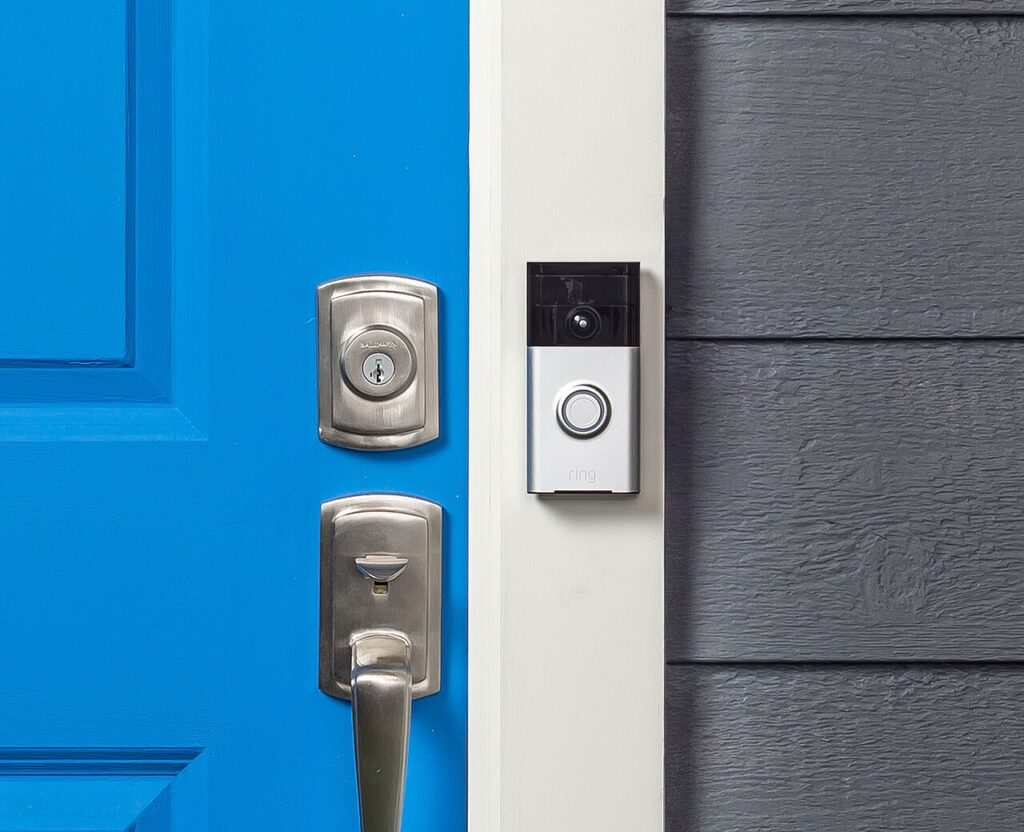
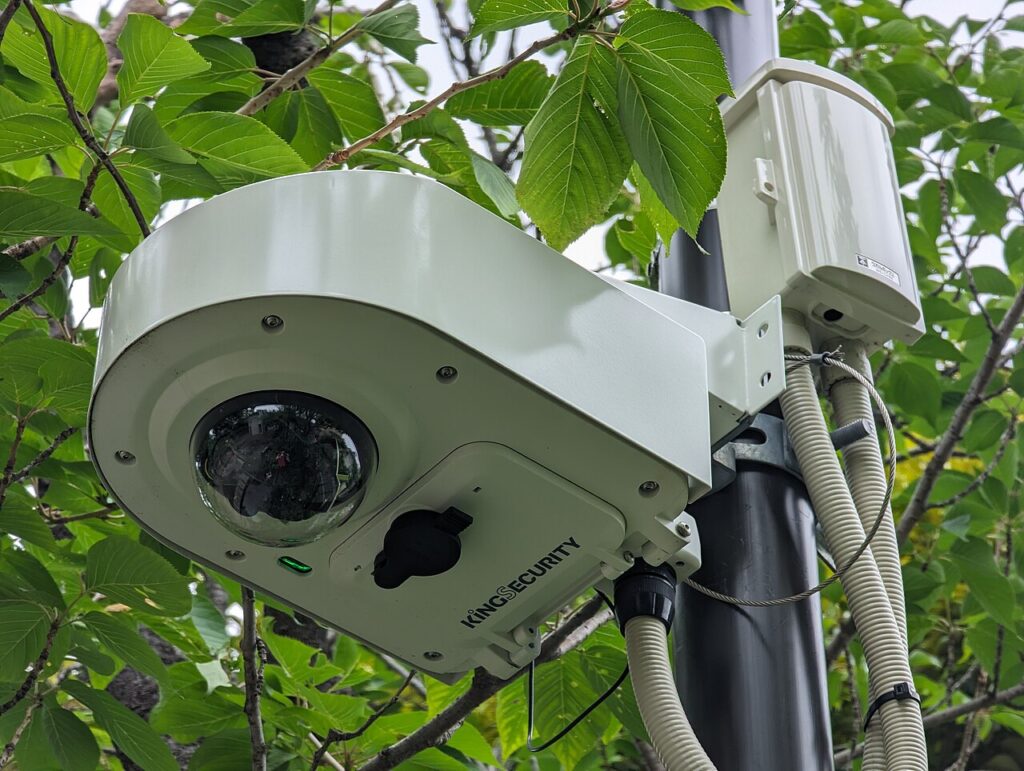
Video Doorbell

See who's at the door from anywhere, get motion alerts, and talk to visitors without opening up. No subscription needed for the basics.

Video doorbell guide →
Real living room with smart home devices Inside the house

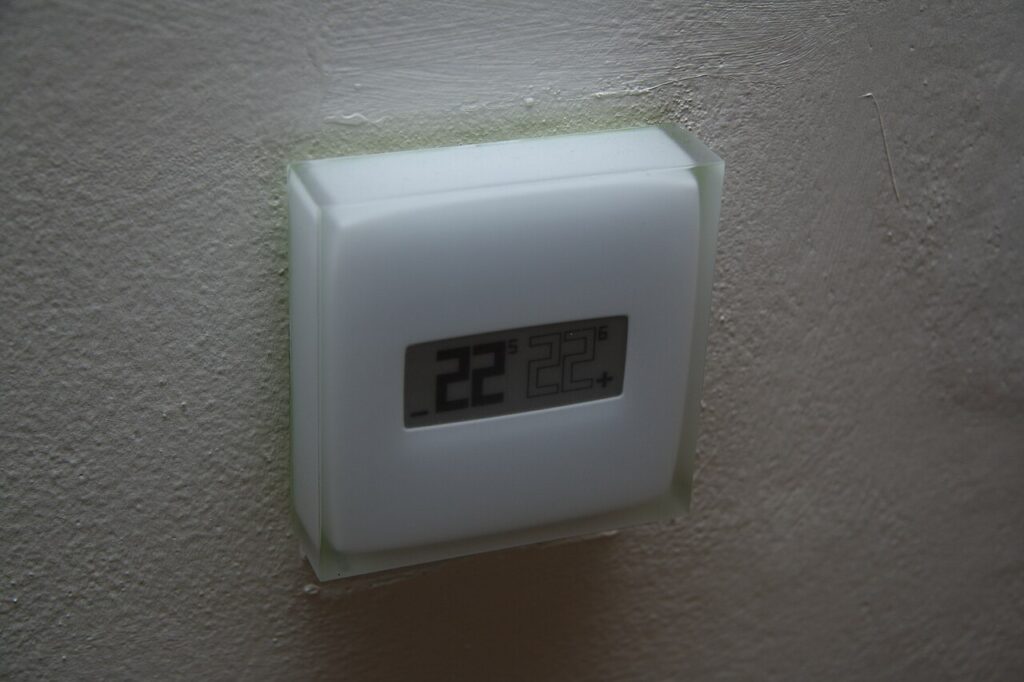
Smart Thermostat

Keeps your home comfortable while cutting winter heating and summer cooling waste. Works with most furnaces and heat pumps.

Thermostat guide →

Plain-English Beginner Guides

Essential smart home topics, explained.

No tech jargon or vendor sponsorships. Plain advice based on careful research and honest spec comparisons for everyday US homeowners and renters — newest guides first.

Built for Real Homes & Apartments

Smart Home Tech, Explained in Plain English — No Jargon, No Hype.

You shouldn’t need an electrical engineering degree — or a homeowner’s breaker box — to set up a smarter home. Whether you rent an apartment or own your first house, our 19 step-by-step beginner guides focus on practical, no-wiring solutions that work out of the box: smart home devices without monthly fees, and no subscription to unlock the basics.

🏠 Renter-Safe FirstSmart bulbs over hardwired wall switches, plug-in doorbells, and portable smart plugs that won’t cost you your security deposit.
💵 No Surprise BillsUpfront warnings on $3–$20/month cloud paywalls, $40–$69 hub taxes, and uncertified under-$5 bargain traps — the true 3-year cost, before you buy.
⚡ Real Energy MathUse our interactive Energy Vampire Calculator to see how standby power costs the average home $189/year — and where a simple $15 smart plug pays for itself first.

Why You Can Trust Us (Zero Affiliate Links, Zero Hype)

Most smart home review sites earn an affiliate commission when you click their links — which means recommending a $300 device pays them more than recommending a $15 fix. SmartHomeTechHQ is 100% free of affiliate links and sponsorships. We don’t claim fake lab tests or use pushy live-price widgets. Instead, we use rounded planning estimates ($15, $30, $40, $75) and do the honest spec and trade-off homework for you — checking whether a device requires a hidden $50 hub, locks basic features behind a monthly subscription, demands house rewiring, or fails to pair on standard 2.4GHz/5GHz home Wi-Fi.

Last Updated: 8 November 2026

Energy Vampire Calculator — Free Tool

How much money does an average US home actually save?

Your TV, charger and game console keep drawing power even when they look switched off. Add up your own standby load in under a minute and see the real number — then cut it with a smart plug or a schedule.

Try the Free Calculator →
$189 average standby power waste per US home, per year

Common Beginner Questions Answered

What US homeowners need to know first.

What is Phantom Power or Vampire Draw?

Even when turned off, many devices keep drawing a small amount of power — TVs, chargers, game consoles and microwaves are the usual suspects. Together they waste $100+ per year in an average US home. A smart plug or a simple power strip switch stops the drain.

My router has 2.4GHz and 5GHz — which one do smart devices use?

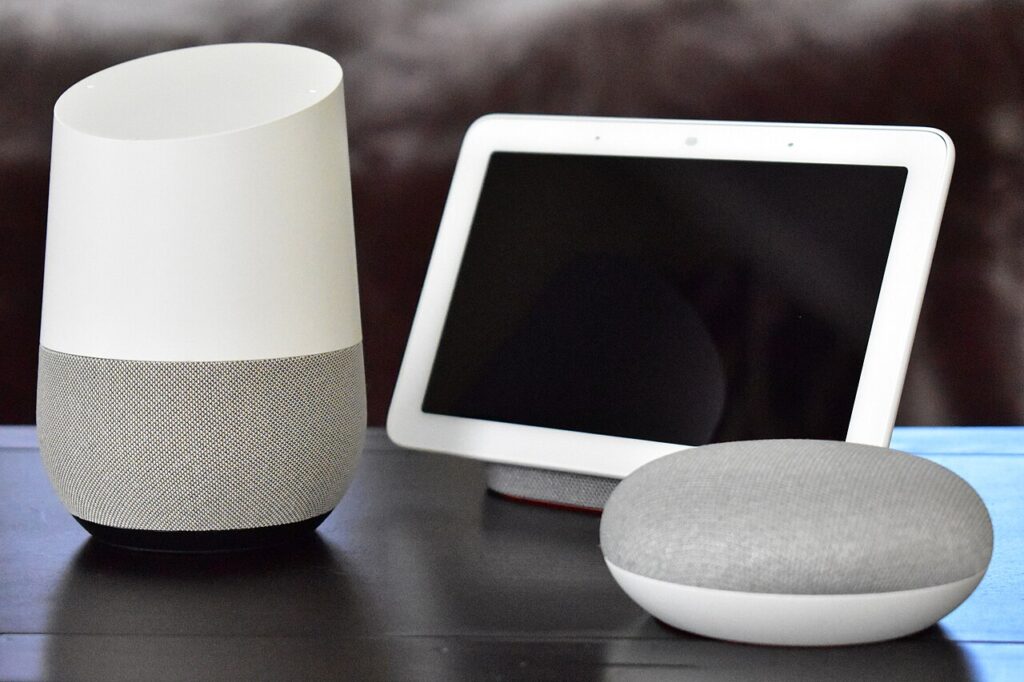
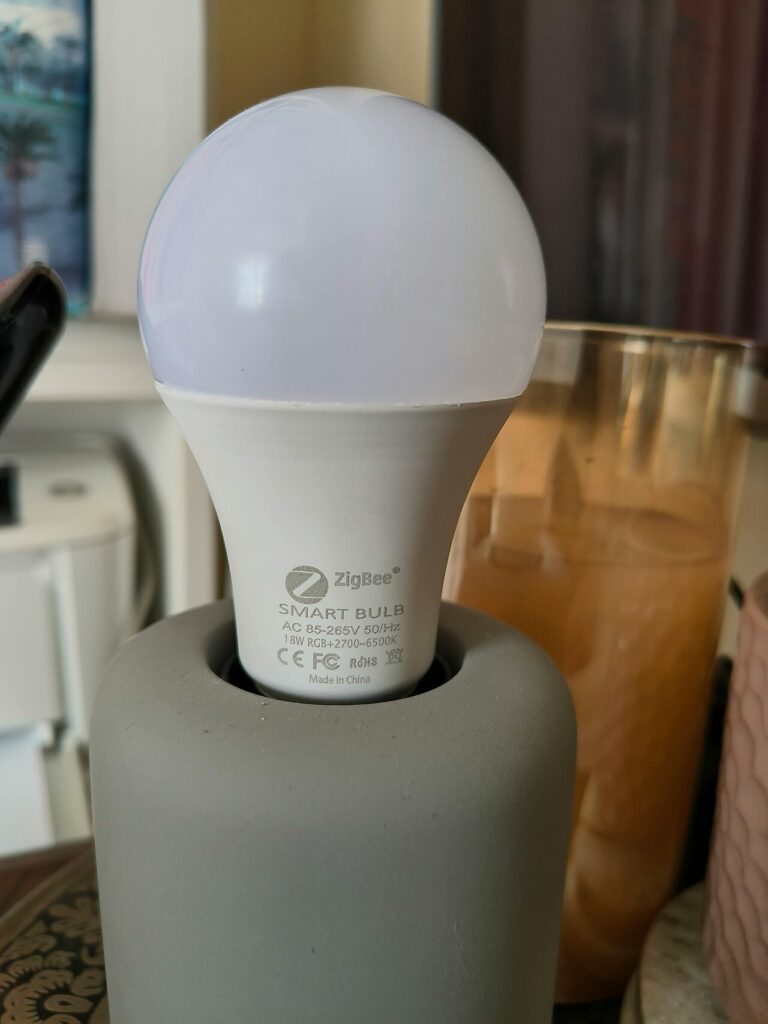
Almost every smart bulb, plug and camera connects on 2.4GHz Wi-Fi, not 5GHz — that is the most common reason a new device refuses to pair. If your phone is on the 5GHz band during setup, the device can’t see the network it needs. Switch your phone to the 2.4GHz network (or split the bands in your router settings), finish setup, and the device will stay connected afterwards. Our Google Home setup guide and Alexa setup guide walk through the fix step by step.

Will it work with my Wi-Fi?

Most smart home devices connect over 2.4 GHz Wi-Fi, which almost every US router provides. If your home is large or has thick walls, a mesh Wi-Fi system keeps devices connected in every room.

Do I have to pay a monthly cloud subscription fee?

Usually not. Most devices work fully without a subscription. Some cameras charge for cloud video history, but many also offer local storage on a memory card or a home hub, so you can choose.

Where do I store the recorded video clips?

It depends on the camera: cloud storage (often a paid plan), a microSD card inside the camera, or a local recorder at home. Check the storage options before you buy, not after.

Can the camera distinguish between a person, a pet, and a car?

Many newer cameras can. Person, pet and vehicle detection is now common on mid-range models — look for it in the specs if you want fewer false alerts from passing cars or a cat.

Do smart plugs require special wiring or an electrician?

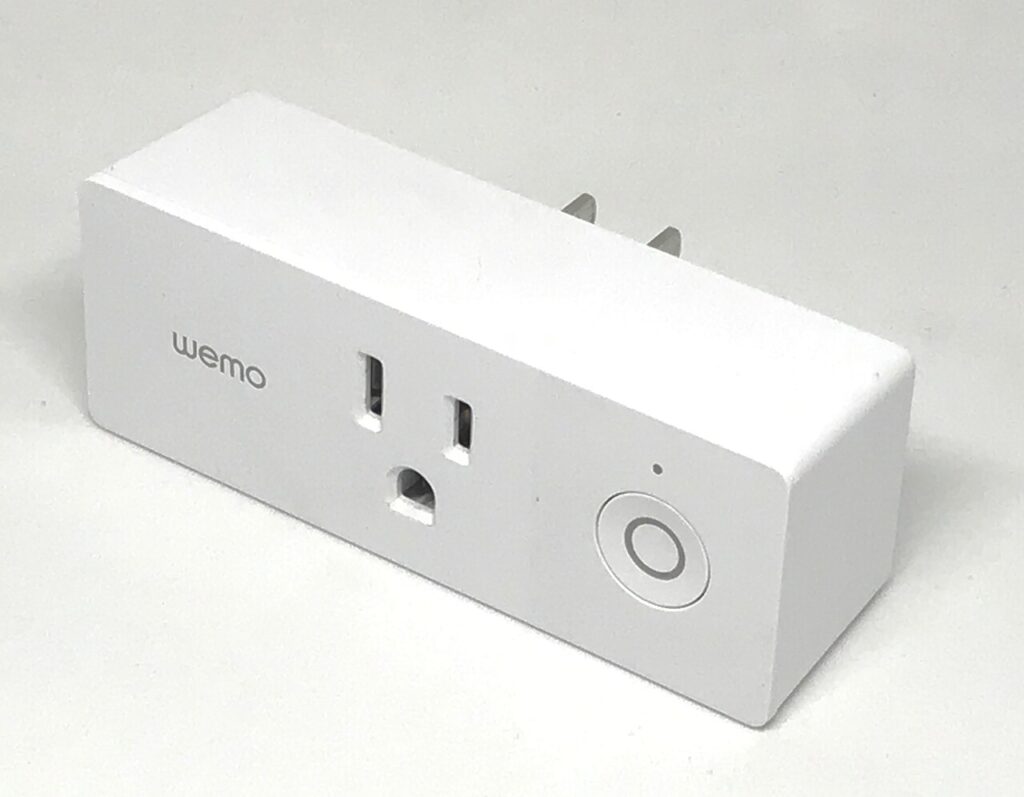
No. A smart plug goes into a normal wall outlet and your lamp or fan plugs into it. No wiring, no tools, no electrician — it is the easiest smart home upgrade there is.

How does time-of-use scheduling help save money?

Some electricity plans charge less at off-peak hours. A schedule runs your devices when power is cheaper — for example, charging or running the dishwasher overnight instead of at peak evening rates.

Does it work with heat pumps and standard furnaces?

Most smart thermostats support both heat pumps and standard furnaces. Check the compatibility checker on the thermostat’s page (and whether your system has a C-wire) before ordering.