What is Phantom Power or Vampire Draw?
Even when turned off, many devices keep drawing a small amount of power — TVs, chargers, game consoles and microwaves are the usual suspects. Together they waste $100+ per year in an average US home. A smart plug or a simple power strip switch stops the drain.
My router has 2.4GHz and 5GHz — which one do smart devices use?
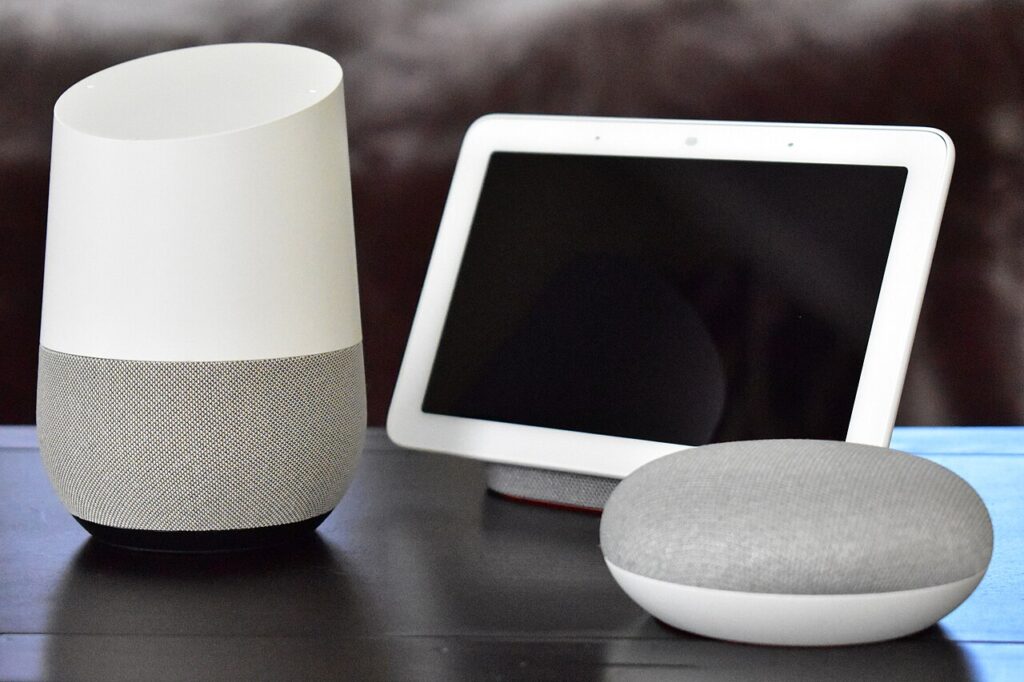
Almost every smart bulb, plug and camera connects on 2.4GHz Wi-Fi, not 5GHz — that is the most common reason a new device refuses to pair. If your phone is on the 5GHz band during setup, the device can’t see the network it needs. Switch your phone to the 2.4GHz network (or split the bands in your router settings), finish setup, and the device will stay connected afterwards. Our Google Home setup guide and Alexa setup guide walk through the fix step by step.
Will it work with my Wi-Fi?
Most smart home devices connect over 2.4 GHz Wi-Fi, which almost every US router provides. If your home is large or has thick walls, a mesh Wi-Fi system keeps devices connected in every room.
Do I have to pay a monthly cloud subscription fee?
Usually not. Most devices work fully without a subscription. Some cameras charge for cloud video history, but many also offer local storage on a memory card or a home hub, so you can choose.
Where do I store the recorded video clips?
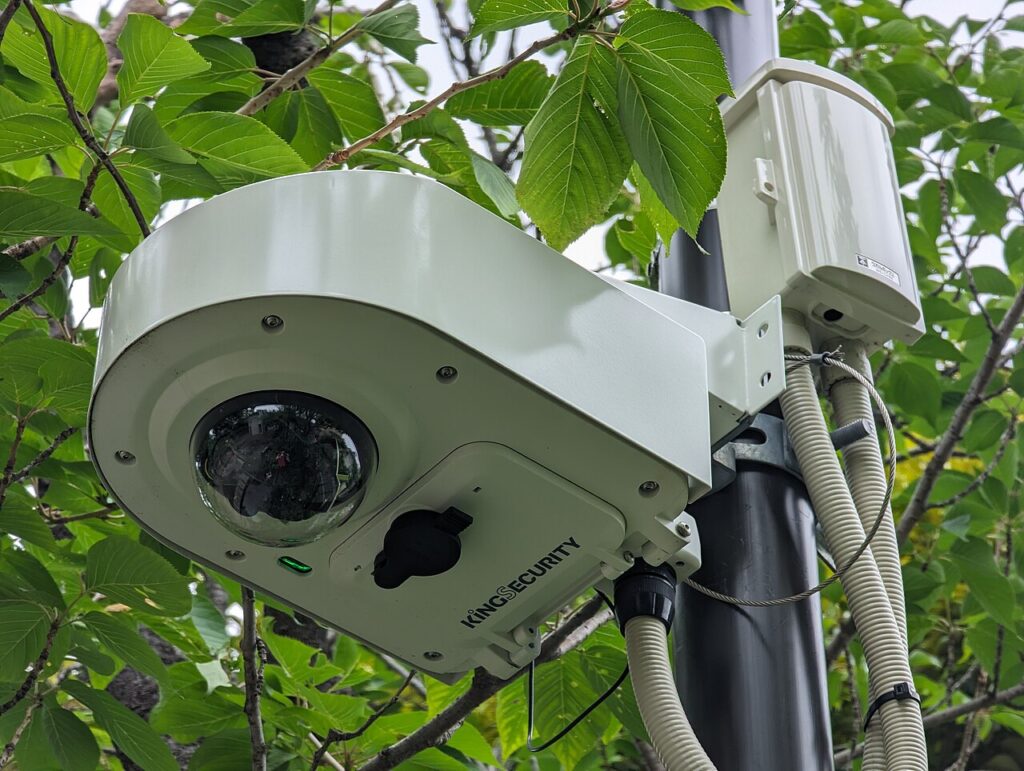
It depends on the camera: cloud storage (often a paid plan), a microSD card inside the camera, or a local recorder at home. Check the storage options before you buy, not after.
Can the camera distinguish between a person, a pet, and a car?
Many newer cameras can. Person, pet and vehicle detection is now common on mid-range models — look for it in the specs if you want fewer false alerts from passing cars or a cat.
Do smart plugs require special wiring or an electrician?
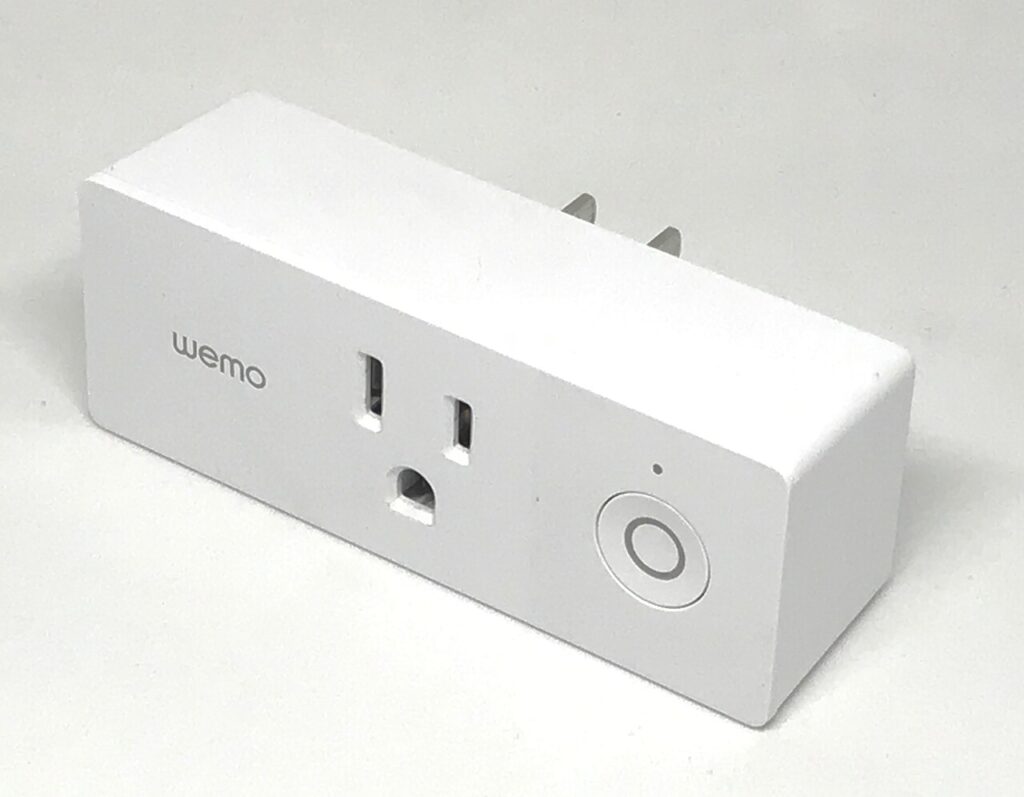
No. A smart plug goes into a normal wall outlet and your lamp or fan plugs into it. No wiring, no tools, no electrician — it is the easiest smart home upgrade there is.
How does time-of-use scheduling help save money?
Some electricity plans charge less at off-peak hours. A schedule runs your devices when power is cheaper — for example, charging or running the dishwasher overnight instead of at peak evening rates.
Does it work with heat pumps and standard furnaces?
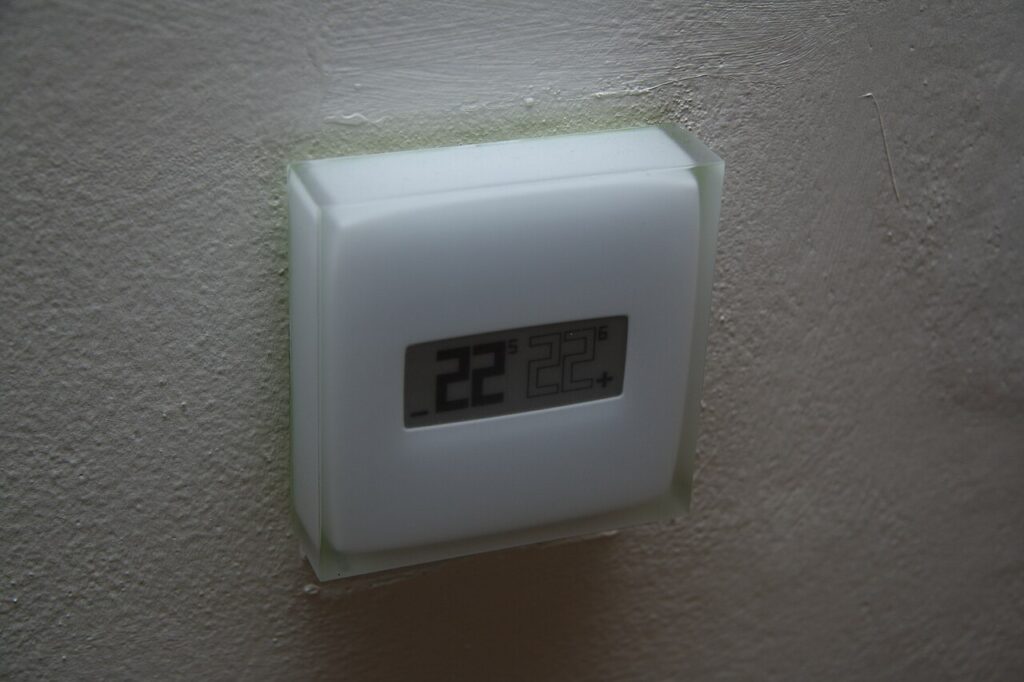
Most smart thermostats support both heat pumps and standard furnaces. Check the compatibility checker on the thermostat’s page (and whether your system has a C-wire) before ordering.